Seety is the most complete but also the cheapest parking app on the market to pay for parking. Hereunder we explain the advantages of paying for parking with Seety and how it works:
Why use Seety?
Our goal is to save you time and money for each of your parking sessions. Here are the main advantages of paying for your parking with Seety:
Pay-by-minute - With Seety, you will only pay for the exact duration of your parking. You can stop the session at any time.
Remote session management - Start, stop or extend a session from anywhere, directly via your smartphone. No need to run to the parking meter anymore!
The cheapest app - No matter in which city you use Seety, transaction fees are always the cheapest on the market.
Smart notifications - Avoid unpleasant surprises with smart notifications and customizable reminders.
Secure and contactless #StaySafe
The only app that helps you find free or cheapest zones before paying for parking.
275,000 satisfied Seetyzens
How does it works
1) Choose the right address
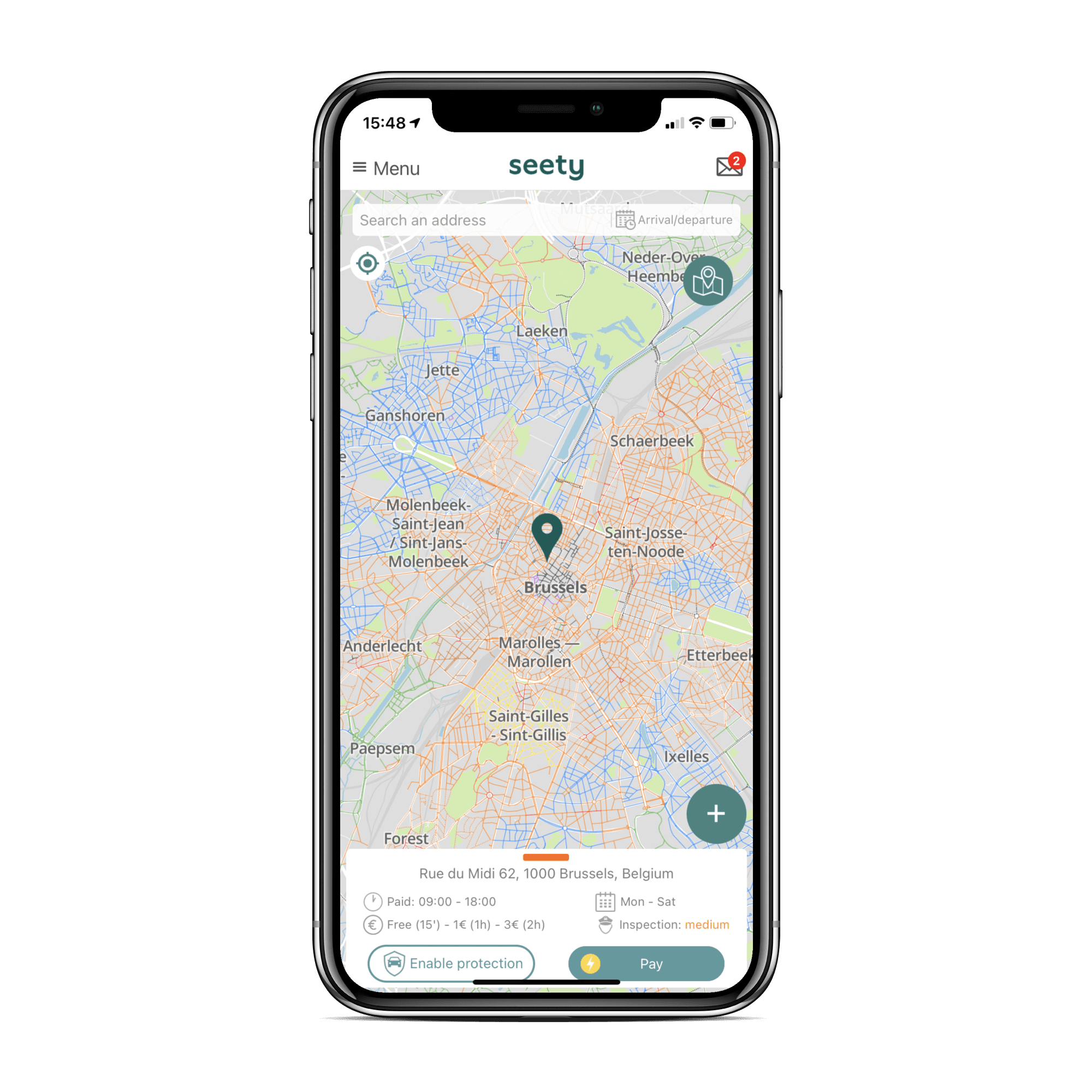
Place your cursor where you want to pay for your parking either by positioning it with your finger or by searching for an address in the search bar. You can also position the cursor automatically on your location by clicking on the positioning button at the top left of the screen.
2) Click on the "Pay" button
Then click on the "Pay" button in the bottom menu of the app. This will open the payment menu (the "Pay" button only appears in areas where Seety offers parking payment).
3) Add your vehicle license plate number and payment method
Add your license plate and payment information in the respective fields. You can add as many license plates and means of payment as you wish. For the moment it is possible to pay for parking with a credit card, Apple and Google Pay and new payment methods will be coming soon.
This step is only necessary the first time you use it.
4) Choose the type of session and notifications you wish to receive
Type of session
You can choose between two options to stop a transaction:
Manual stop: Once you return to your vehicle, you will stop your parking session manually.
Automatic stop: The session will stop after a predetermined parking time. To customize the duration, simply click on the duration displayed (in green).
In any case, you will be able to stop your parking session at any time.
Notifications
In order to avoid unpleasant surprises (leaving your spot without stopping your session, forgetting to extend your session,...) you can activate two types of notifications:
Before the end: You will be notified X minutes before the end of your session.
Every X: You will be notified every X minutes or hours during your session.
You can select both types of notifications at the same time and all of them are 100% free of course!
5) Start the parking session
Once you have checked your information and it is correct, you can click on the "Pay" button to start the parking session. Just above it you will find an overview of the maximum price to pay. The exact amount or final price will always be adjusted to the exact duration of your parking.
6) Stop the parking session
If you have chosen a manual session or leave your parking spot faster than expected, don't forget to stop your session to make sure you don't pay more than necessary.
7) Session summary
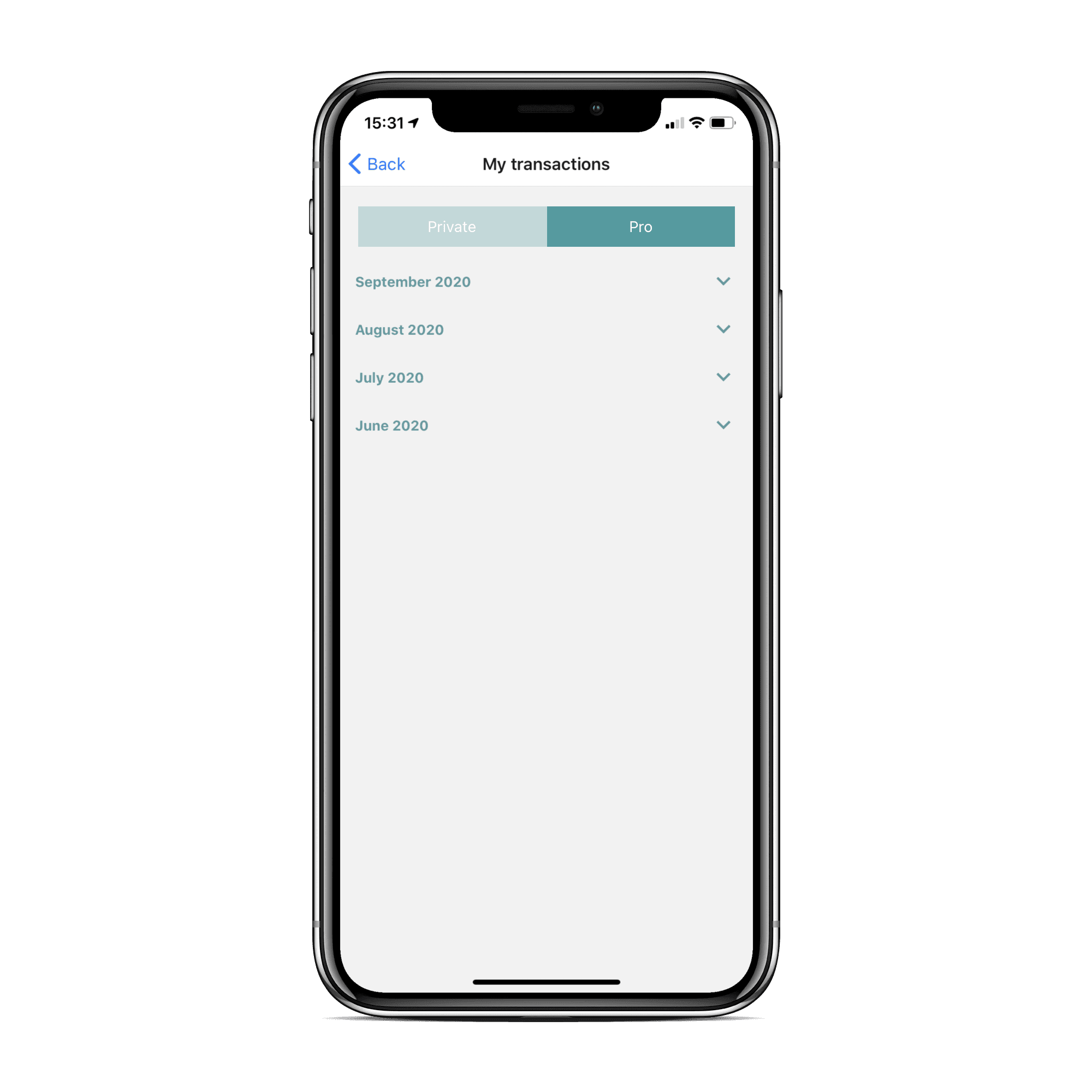
After each session you will receive a summary of the session by e-mail. This is also available in the "My transactions" menu of the application.
If you want a monthly invoice, you can create a pro account in the app's profile. This account is also 100% free of charge.